Do you know how to hide CD-ROM and hard drive?
After hiding CD-ROM and hard drive, anyone using your computer cannot make use of the CD-ROM and visit hard drive partition storing important files.
Today I will show you how to hide CD-ROM and Hard Drive thoroughly and rapidly.
The premise of hiding CD-ROM and hard drive is a software, Best Disk Lock. Firstly, we need go to the software’s homepage(http://www.dogoodsoft.com/best-disk-lock/) to download and install it.
Here is the interface of Best Disk Lock.
In fact, the lock disk function of Best Disk Lock is completely hiding disk partitions and CD-ROM drives on your PC.
For example, I use three levels of locking disk function to hide my computer’s one disk partition.
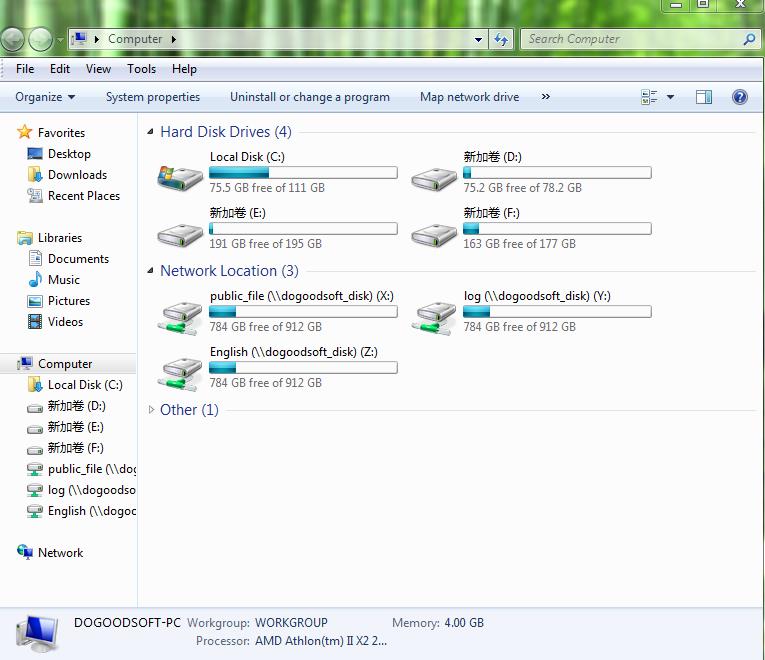
Before hiding it, my computer content is presented like this.
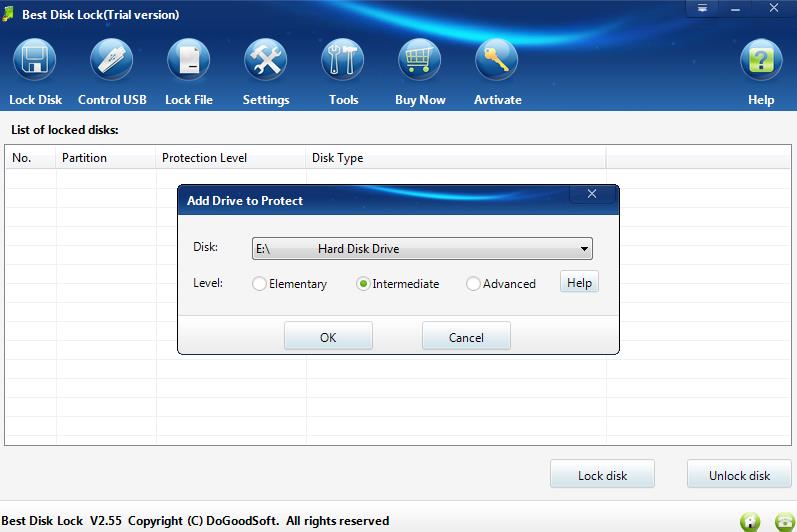
Open Best Disk Lock, click “Lock disk” button at the bottom of lock disk window, and then choose a disk partition or a CD-ROM drive you want to hide in the pop-up window and the level of locking disk. At last, just click “Yes”.
After this, you can see the record of the disk partitions or CD-ROM drives you have hided. Whenever you want to cancel any hided disk partition or a CD-ROM drive, just choose the record and click “Unlock disk” button. That’s it.
After hiding it, my computer content is different from the former. The disk partition I have hided disappeared.
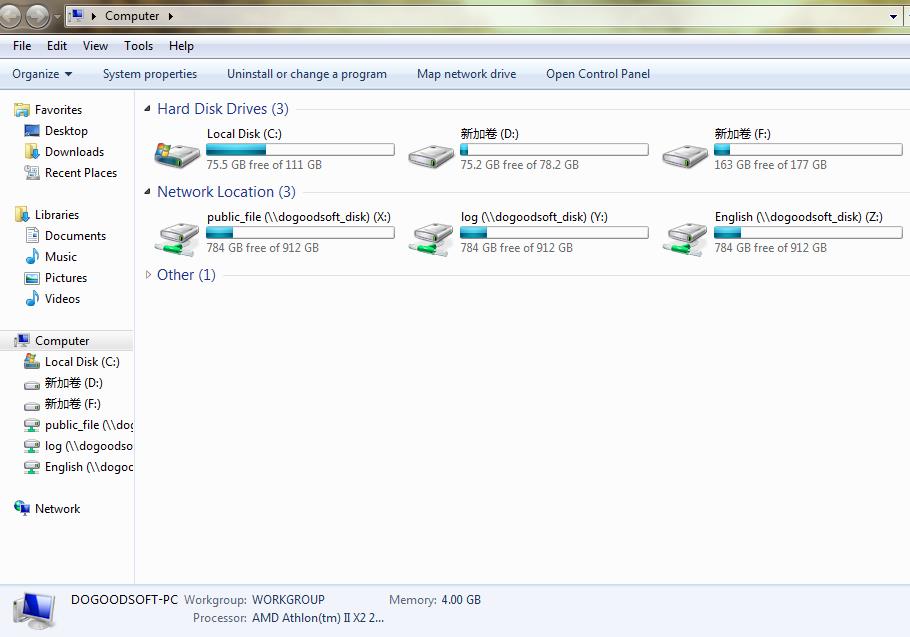
You must ask me the differences of these three hiding levels. Let me show you.
The elementary level: it just hides the directory in the computer, but you still can enter the hided disk and visit the files in it via cmd.
The intermediate level: you cannot not only see the hided disk partitions and CD-ROM drive, but also visit via cmd.
The advanced level: it completely hides the disk partitions and CD-ROM drive from hardware level.
Brief introduction of Best Disk Lock:
Best Disk Lock is a powerful utility which can completely hide hard disk partitions and CD-ROM drive on your PC, disable or read-only use of USB devices, making your private documents highly protected.
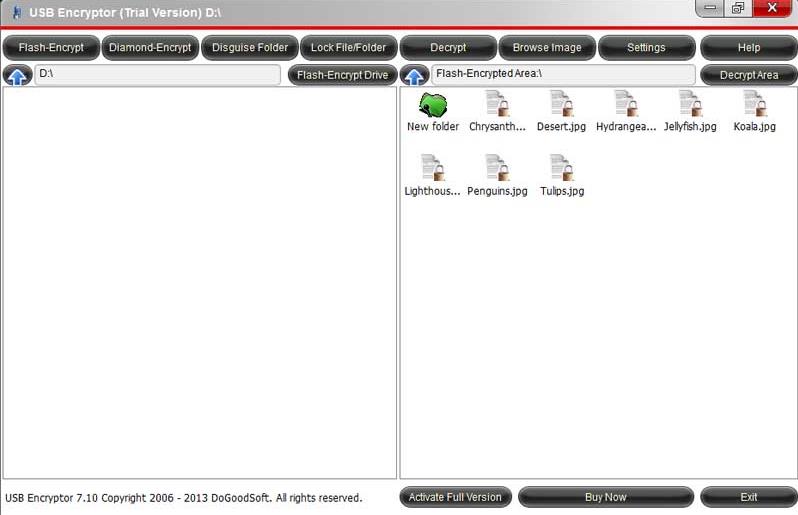

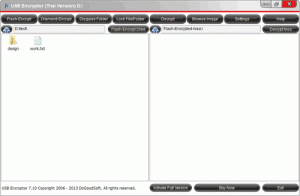 USB Encryptor, a kind of green software with high confidentiality, is user-friendly and easy to use. Moreover, it does not need to be installed, and simply put it in the USB devices you want to encrypt and use. In short, USB Encryptor is an optimal choice for you to guard your important or private data on mobile devices.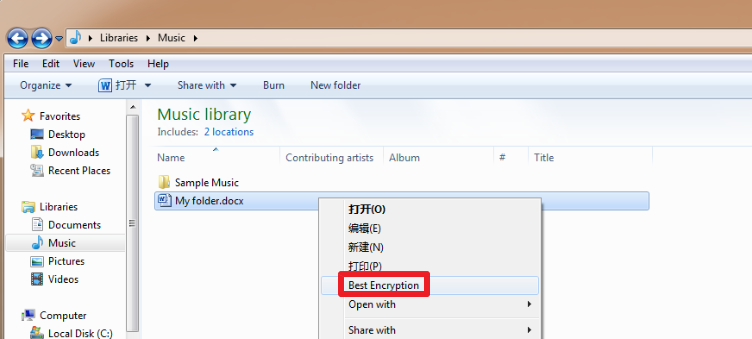
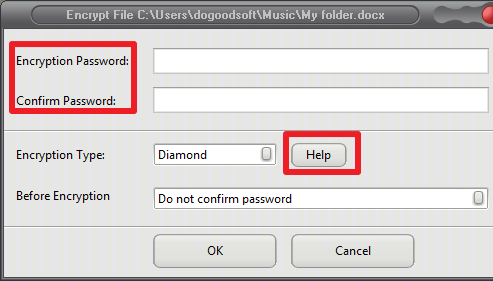
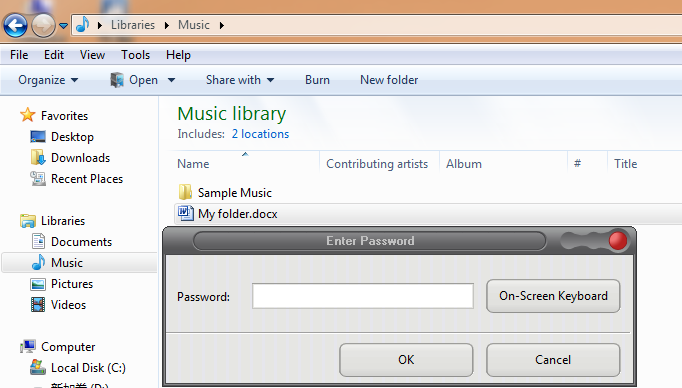
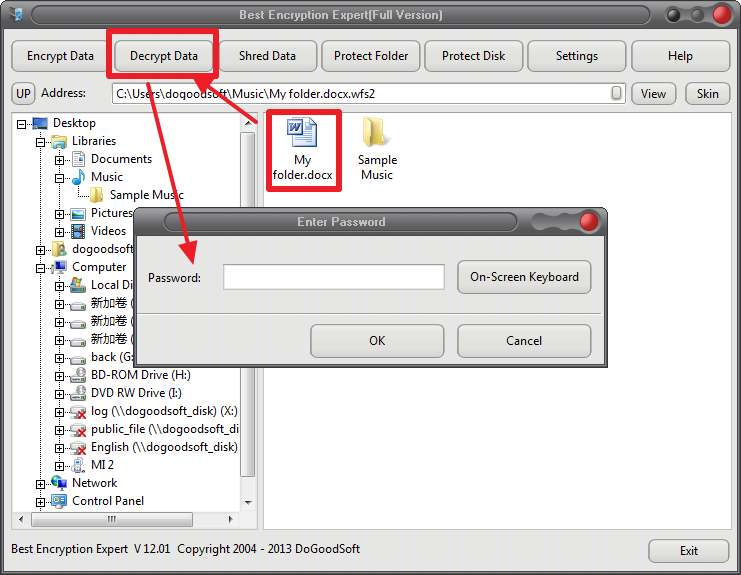

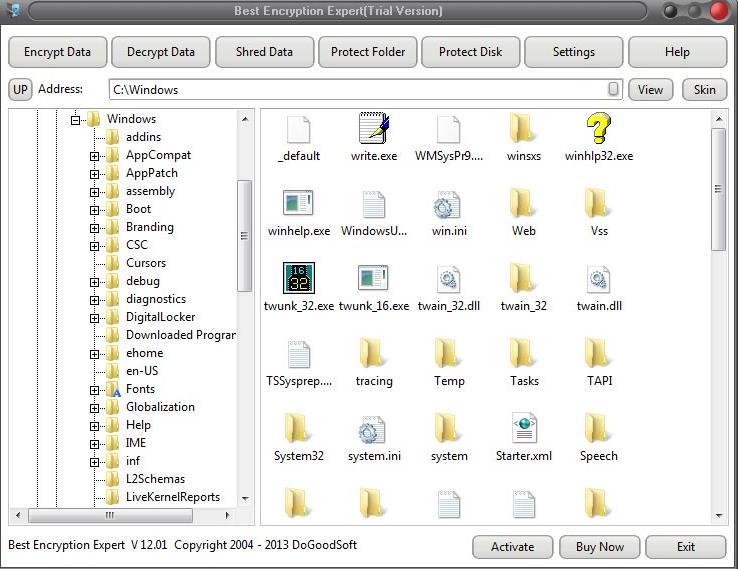
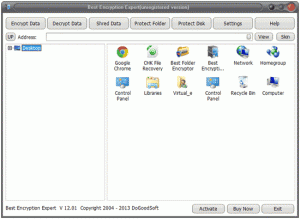 Free version of Best Encryption Expert can be used free of charge for 7 days. During the trial, some features like password restore and First Aid Center is not available. Besides, it can only decrypt an already encrypted file/folder when the trial expires.